
You've opened your laptop to answer one email.
Twenty minutes later, you've checked another message, looked at your calendar, remembered you need groceries, opened a tab for something work-related and somehow ended up wondering what you were supposed to be doing in the first place.
Sound familiar?
When your brain feels overloaded, the problem isn't always that you don't know what to do. Sometimes there are simply too many things competing for attention at once.
What if the goal isn't to make your brain work harder, but to give it less to keep track of?
That's where practical tools can help.
And if you came here after reading Perimenopause or ADHD? Why Your Brain Feels Different After 40, there's an important distinction: these tools are not treatments for perimenopause or ADHD, and they cannot diagnose ADHD. They're simply ways to externalize some of the work your brain is currently being asked to do.
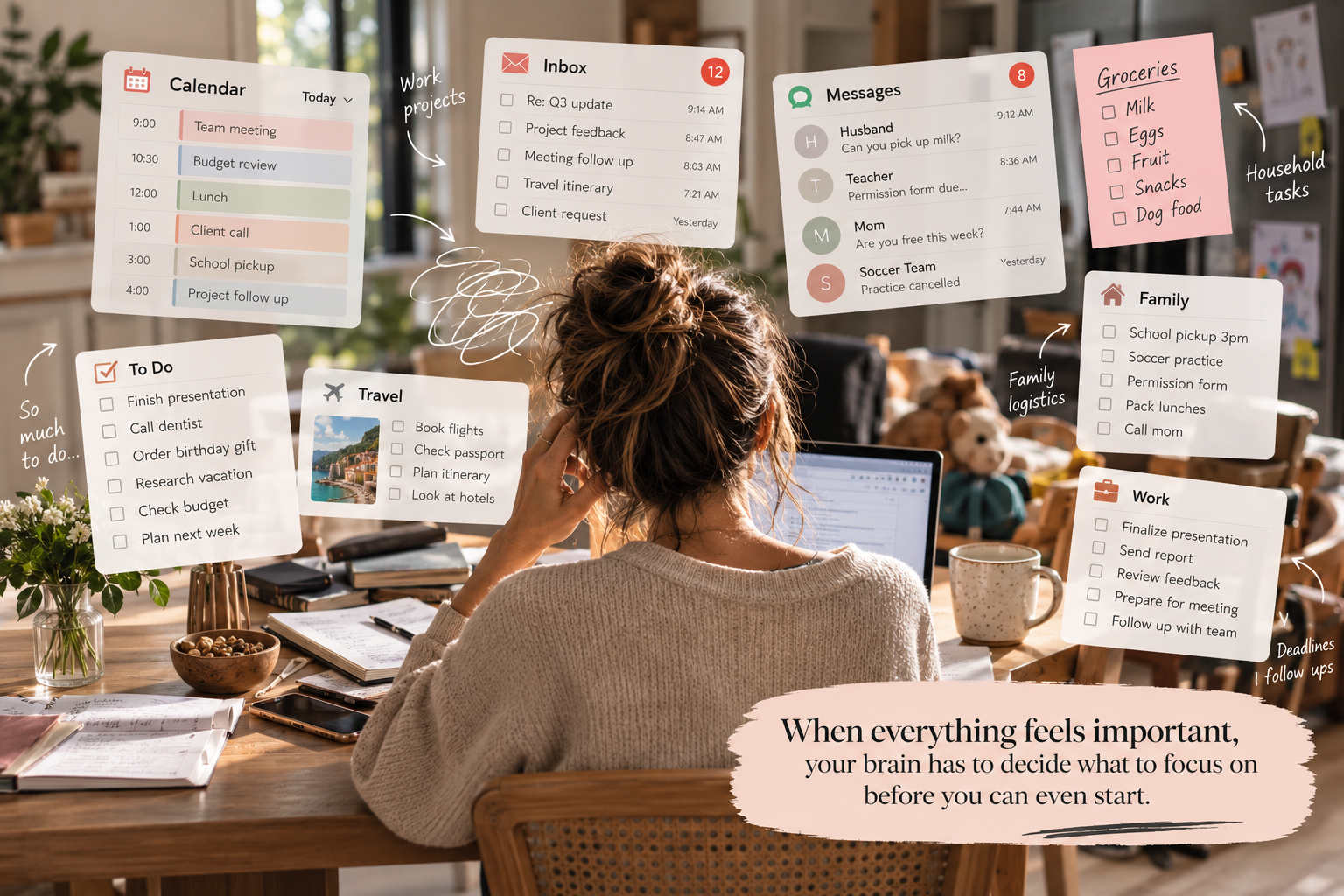
When everything feels important, your brain has to decide what to focus on before you can even start.
First: identify the problem, not the app
There are hundreds of productivity and planning tools. That's part of the problem.
You don't need another app that promises to transform your life. You need something that solves the particular friction you're experiencing.
Maybe the hardest part is starting. Maybe your entire day is living in your head. Maybe you can start but can't stay with a task. Maybe you're wondering whether ADHD explains some of what you've been experiencing. Or maybe you're exhausted from trying to remember every tiny recurring thing.
Start there.
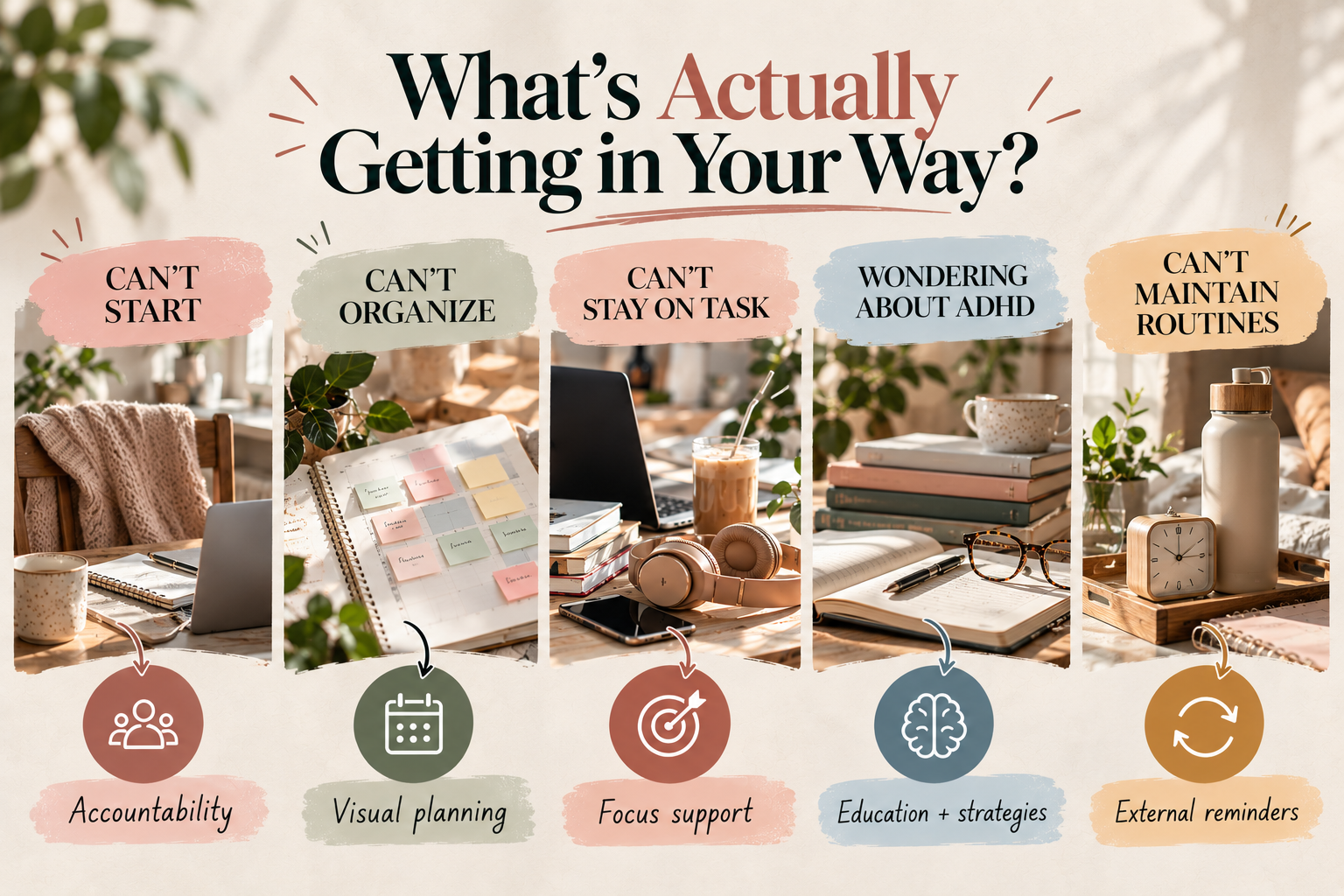
You don't need the perfect system. Start by identifying the part that feels hardest right now.
1. FLOWN
Best for: “I just need to get started.”
Sometimes the task itself isn't especially difficult. The difficult part is crossing the invisible line between thinking about doing it and actually beginning.
FLOWN is built around body doubling: working in the presence of other people, virtually, so there is a little more structure and accountability around the time you're trying to focus.
You can join facilitated focus sessions, use its drop-in coworking space, or create a private focus room with people you know. The point isn't that someone is managing your work for you. It's that you don't have to summon all the momentum alone.
Why it may fit: If you repeatedly tell yourself “I'll start in five minutes” and then somehow lose an hour, external presence may be more useful than another to-do list.
FLOWN currently offers virtual coworking and body-doubling sessions, including an all-day drop-in option.
Explore FLOWN →2. Tiimo
Best for: “My day is too much to hold in my head.”
A normal calendar can tell you that you have a meeting at 10 and school pickup at 3. It doesn't necessarily help with all the invisible steps between those things.
Tiimo takes a more visual approach. It combines scheduling, tasks, routines, reminders and visual timers so you can see what is happening now, what comes next and how a larger task can be broken into smaller pieces.
That can be especially useful when your brain is doing constant mental calculations: How long will this take? What do I need before I start? What happens after this? Did I forget something?
Why it may fit: If you feel like you're carrying your entire day around in your head, a visual timeline can move some of that information outside your brain.
Tiimo is currently available across iOS, Android and the web, with visual planning, routines, timers and task breakdowns.
Explore Tiimo →3. Focusmate
Best for: “I work better when someone else is working too.”
Focusmate takes the body-doubling idea and makes it very simple: choose a time, get paired with another person, say what you're going to work on, and then quietly work alongside each other.
There is no need for your tasks to match. Your partner might be answering emails while you're finally tackling the paperwork you've avoided for three weeks.
The useful part is the commitment. You've said out loud what you're going to do, someone else is doing their own work beside you, and there is a natural check-in at the end.
FLOWN vs. Focusmate: They're solving a similar problem, but the experience is different. FLOWN leans more toward guided sessions and a coworking community. Focusmate is more appointment-based and pairs you with an accountability partner for a defined session.
Why it may fit: If the presence of another person makes you more likely to follow through, this is worth testing before you decide you need a more complicated productivity system.
Focusmate currently offers 25-, 50- and 75-minute virtual coworking sessions.
Explore Focusmate →4. Inflow
Best for: “I keep wondering if this might actually be ADHD.”
This one is different because the goal isn't simply to organize your calendar.
Inflow is an ADHD-focused digital program built around education, practical strategies and skill building. Its programs draw on cognitive behavioral therapy principles and cover areas such as procrastination, organization, anxiety, impulsivity and avoidance. It also offers community support and coaching features.
If you're in the uncomfortable middle ground of “I recognize so much of this, but I don't know what it means,” education can be useful in its own right.
But keep the boundary clear: Inflow does not diagnose ADHD. If you're looking for an actual assessment, that's a conversation for a qualified healthcare professional.
Why it may fit: If your biggest need right now is understanding the patterns you're noticing and learning practical strategies to experiment with, an ADHD-specific resource may be more useful than a generic productivity app.
Inflow describes itself as a digital ADHD-support program and explicitly states that it is not a diagnostic tool.
Explore Inflow →5. Me+
Best for: “I need routines, but I can't seem to maintain them.”
There are the big things you remember to do, and then there are the fifty tiny recurring things that quietly eat up mental bandwidth.
Morning routines. Water. Movement. Household tasks. Self-care. The thing you do every Tuesday. The thing you need to remember every night. The thing you absolutely meant to do yesterday.
Me+ is a routine and habit-planning app that lets you create recurring routines, track habits and set reminders. It's less about making your day intellectually perfect and more about giving recurring tasks somewhere to live outside your memory.
Why it may fit: If consistency is harder than knowing what you should be doing, external reminders can remove some of the repeated remembering.
Me+ currently includes daily routine planning, habit tracking, reminders and progress tracking.
Explore Me+ on the App Store →So… which one should you actually try?
You don't need all five.
In fact, downloading five new apps because you're overwhelmed would be a particularly elegant way to become more overwhelmed.
Instead, start with the problem that is costing you the most energy.
- I can't start: Try FLOWN or Focusmate.
- My day feels chaotic: Try Tiimo.
- I want to understand ADHD: Try Inflow.
- I can't maintain routines: Try Me+.
- I need accountability: Try FLOWN or Focusmate.
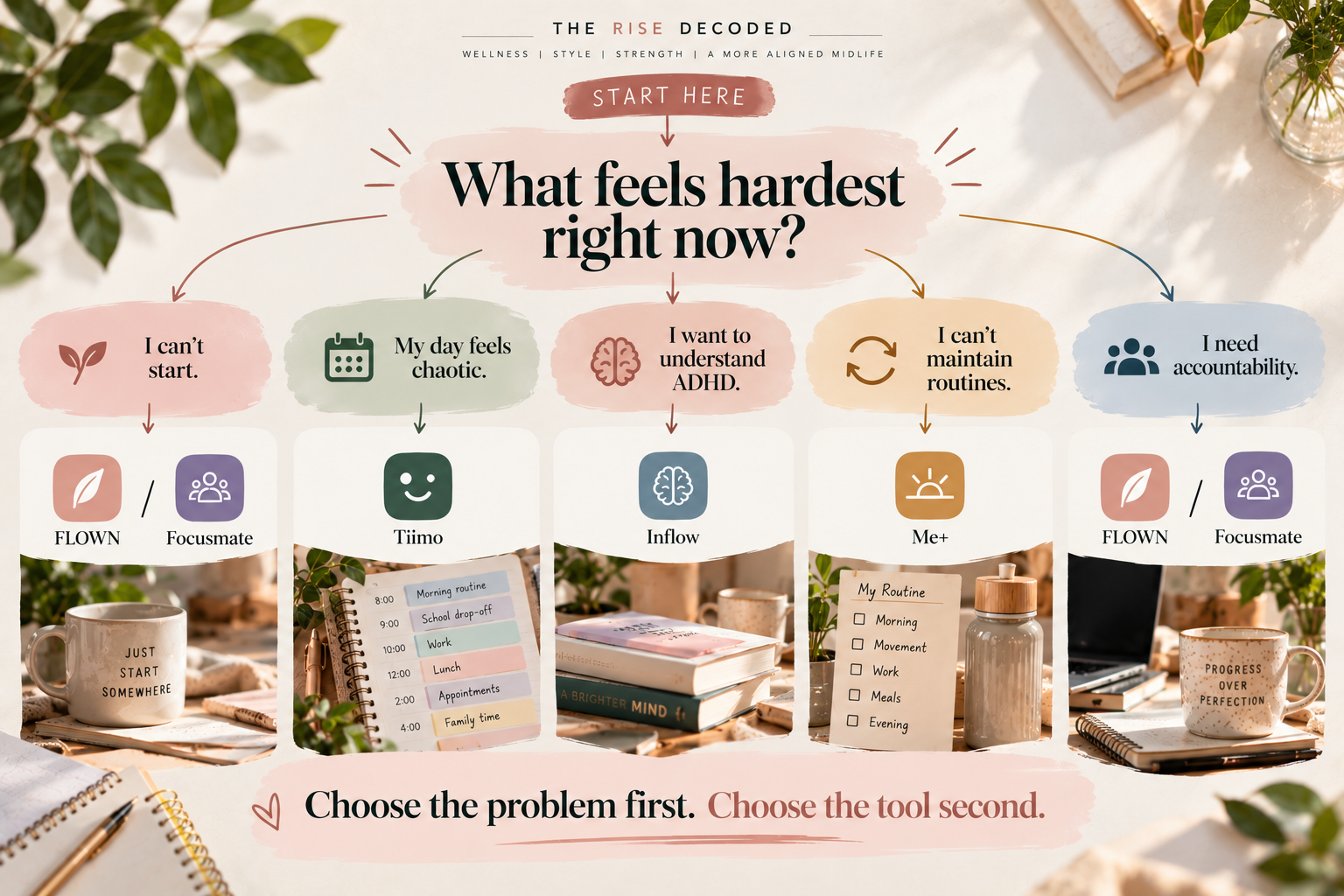
Choose the problem first. Choose the tool second.
The bigger lesson
There is a subtle trap in productivity culture: when something isn't working, we assume we need to work harder.
Try a better system. Wake up earlier. Get more disciplined. Use a better planner. Stop procrastinating.
But sometimes the more useful question is much simpler:
What can I stop asking my brain to do?
Maybe it doesn't need to remember every recurring task. Maybe it doesn't need to decide what comes next. Maybe it doesn't need to generate enough motivation to start completely alone. Maybe it doesn't need to keep wondering whether a pattern you've noticed deserves more attention.
The right tool won't magically fix an overloaded brain. It can, however, move one small piece of the workload somewhere else.
Sometimes it just needs a little less to carry.
A note on recommendations
We chose these tools based on the problem they are designed to help with, not because every tool has an affiliate program. Some links in this article may be affiliate links. If you purchase through one, The Rise Decoded may earn a commission at no additional cost to you.
Features, pricing and availability can change, so check the service's current terms before subscribing.